How to Check FAB Account Balance (Online, SMS & App)
Checking your FAB balance shouldn’t be confusing, yet many UAE customers still struggle with app logins, SMS formats, and prepaid payroll cards. In this digital era of 2026, the good news is that you can do a FAB balance check online, through the FAB Mobile app, by SMS (FAB balance check 2121), at an ATM, or even via Payit and Ratibi tools, as long as you use the correct method for your account type.

07 Ultra Fast Methods For Fab Balance Check Online
|
Method |
Internet Needed |
Best For |
Typical Speed |
|---|---|---|---|
|
Yes |
Daily users, full details |
Instant (usually) |
|
|
Yes |
Desktop review, statements |
Instant (usually) |
|
|
SMS (2121) |
No |
Basic phones, no data |
~30–60 sec (varies) |
|
ATM Balance Inquiry |
No |
Offline users |
Instant |
|
Phone Banking |
No |
Non-tech users, locked out |
~2–5 mins (varies) |
|
Payit |
Yes |
Ratibi / linked cards |
Instant (usually) |
|
Yes |
Payroll/prepaid cards |
Instant (usually) |
FAB Balance Check (Instant)








What Is FAB Balance Check?
A FAB balance check (also called FAB bank balance inquiry) means verifying the available funds in your FAB bank account or Ratibi card and (ideally) confirming recent transactions.
In practical terms, customers check balances to:
Two balances you must know:
This distinction explains most “my balance is wrong” complaints.
Method 1: FAB Mobile App Balance Check (Best Overall)
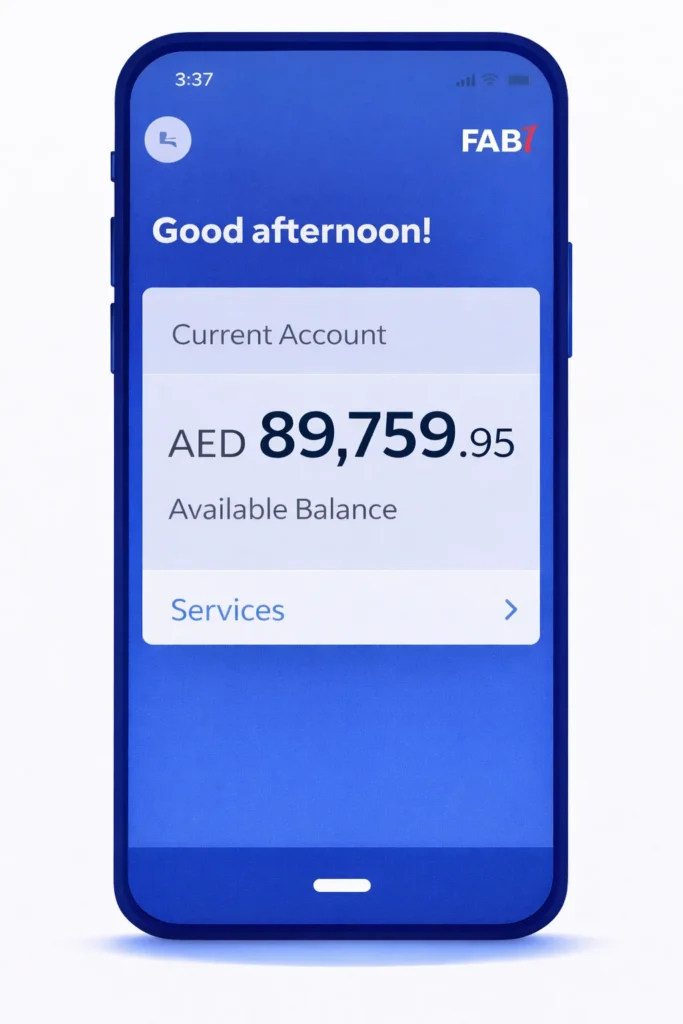
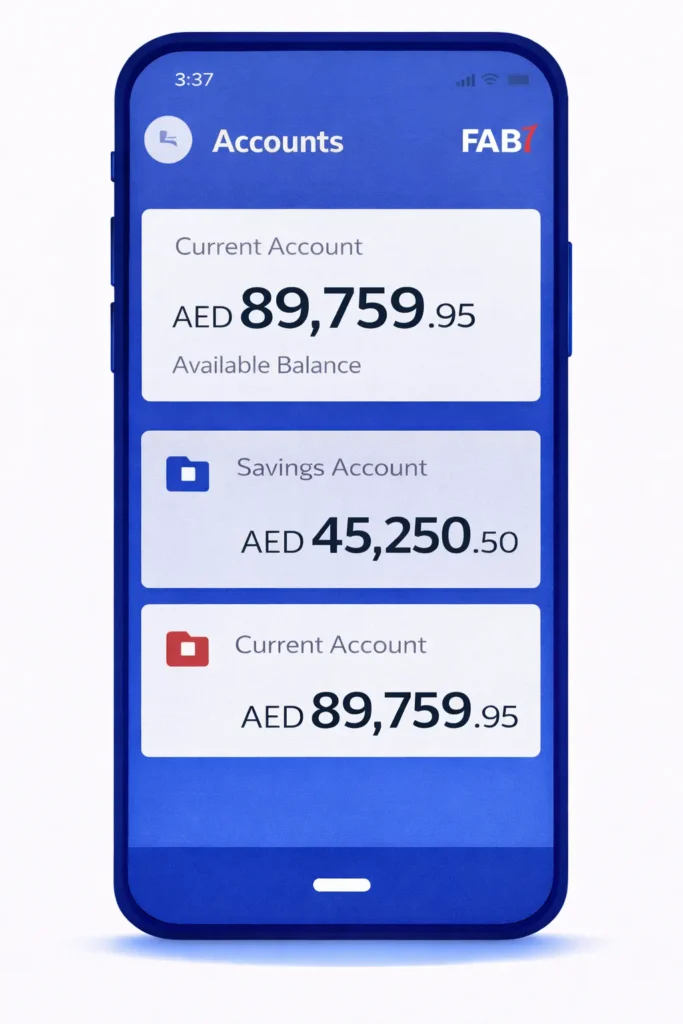
According to FAB’s official Mobile Banking page, the FAB Mobile app lets you view account balances and transaction details, and it’s available through major app stores.

Best for
Step-by-step: How to check FAB balance on the app
Sign Up Procedure For New Users
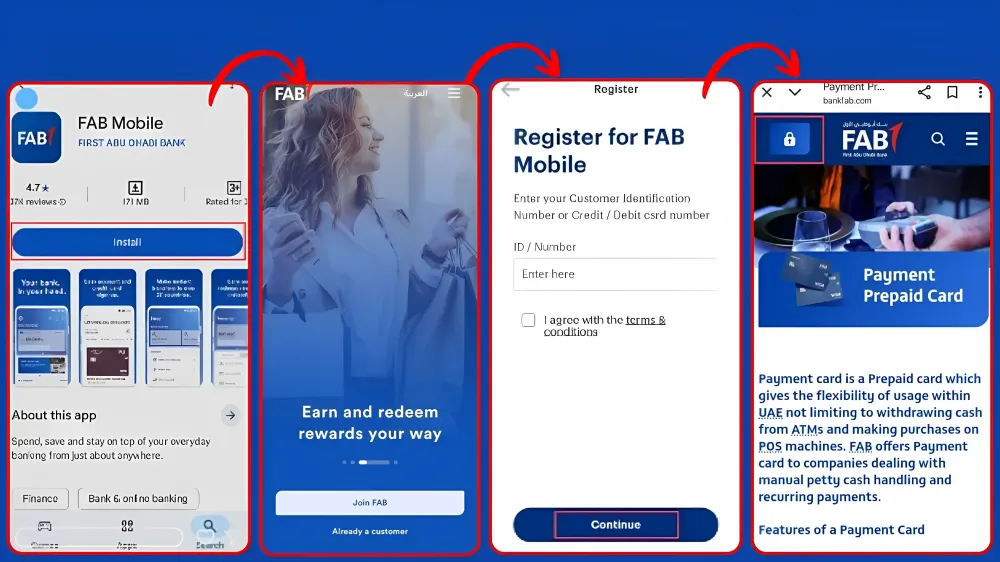
Verify with OTP (One Time Password)
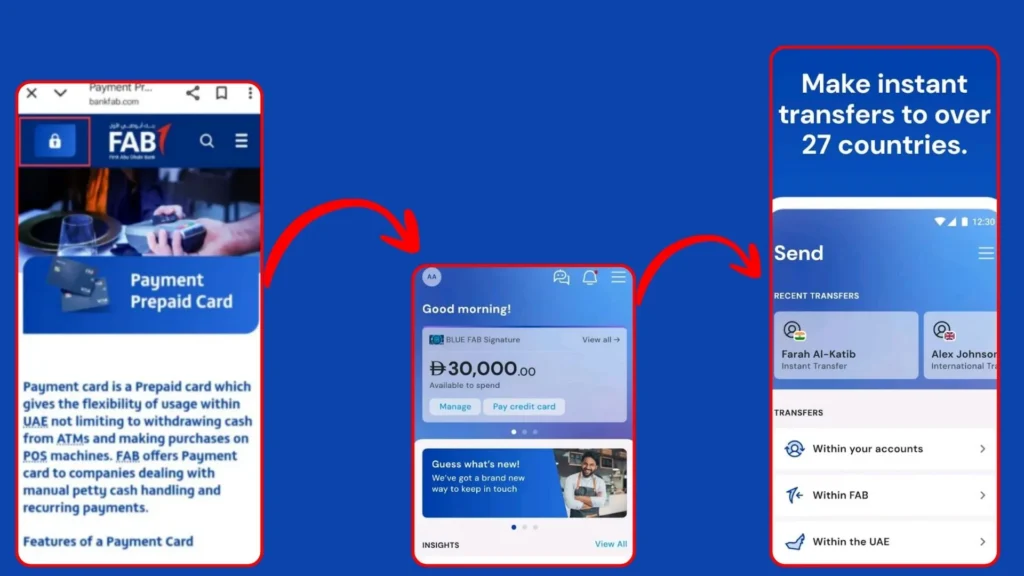
Login (After Sign Up Procedure)
You can login with any of these below mentioned options.
Security Best Practices
FAB emphasizes security and authentication for safer banking in the app.
You can download your FAB Bank Statement, by using the FAB bank Application, and if you want to know the detailed procedure, you can visit my guide FAB Bank Statement.
Can’t log in/ Maintenance errors
FAB Bank App Benefits
Method 2: FAB Balance Check Online (Online Banking Web)
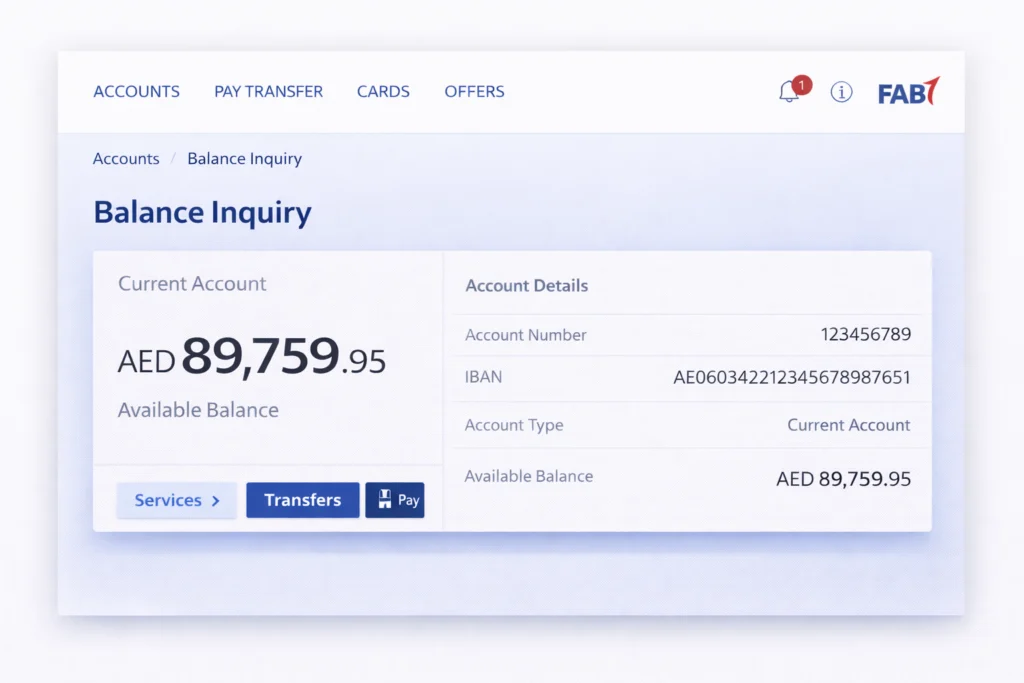
If you prefer a laptop, FAB online banking provides a full account view.
FAB’s official online banking login page is hosted on online.bankfab.com.
Best for
How to check FAB balance on the Web?
Accuracy Note
Method 3: FAB Bank Balance Check via SMS (2121)
This is the classic “no internet” option for checking the FAB bank balance via SMS.
The common method published across UAE balance check guides (including the reference competitor) is:
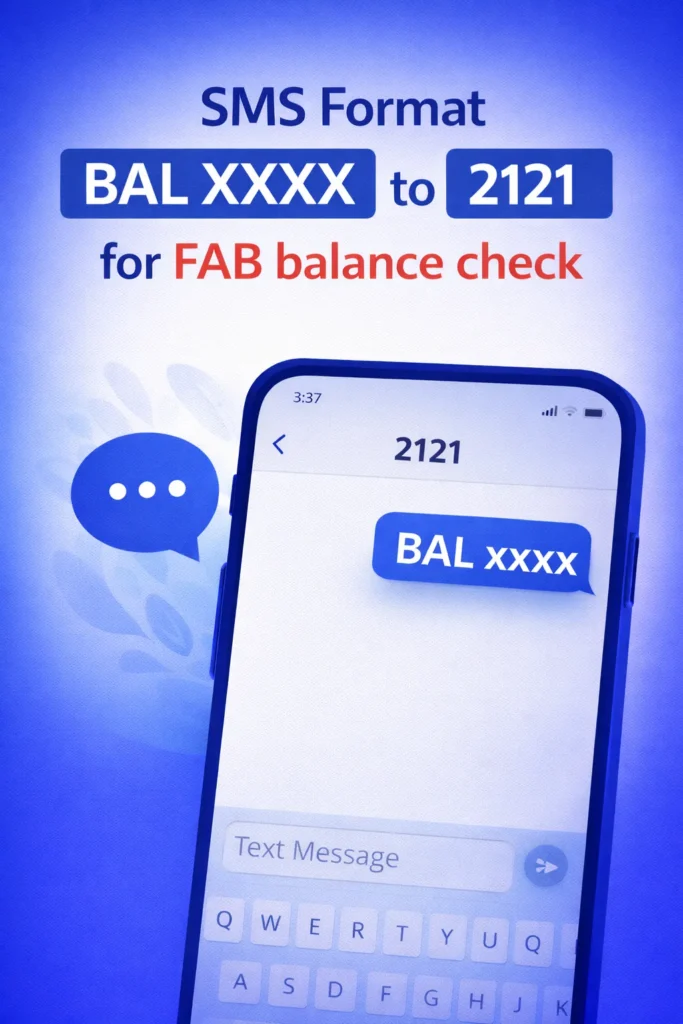
Important Disclaimer
Step-by-step: FAB balance check through SMS (2121)
If SMS doesn’t work
Method 4: Check FAB Account Balance By ATM (Without Internet)
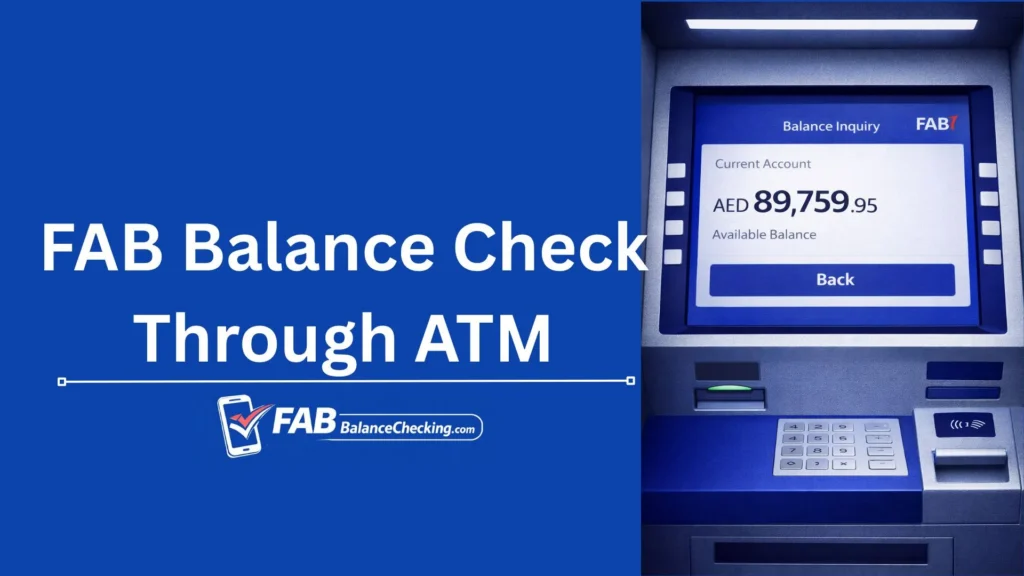
ATMs remain one of the most reliable offline methods.
Best For
FAB ATM balance inquiry
Method 5: FAB Balance Inquiry via Phone Banking
If you’re locked out or prefer assistance, use phone banking. According to FAB’s official Contact & Support page, FAB service numbers include:
FAB also lists product-specific numbers (including Ratibi and Payit), which is helpful if you’re using prepaid or wallet services.
Step-by-step: Phone banking balance check
Method 6: Payit Wallet Balance Check (Especially for Ratibi)
According to FAB’s official Payit page, you can link a Ratibi card with Payit to receive salary on your phone and check your balance in real time.
Best For
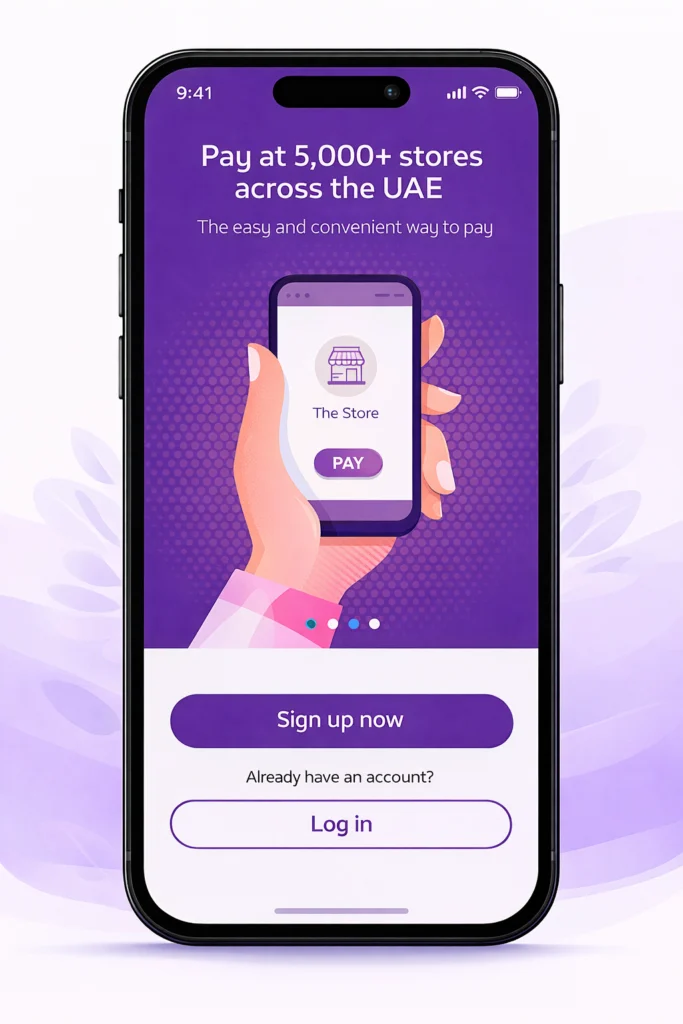
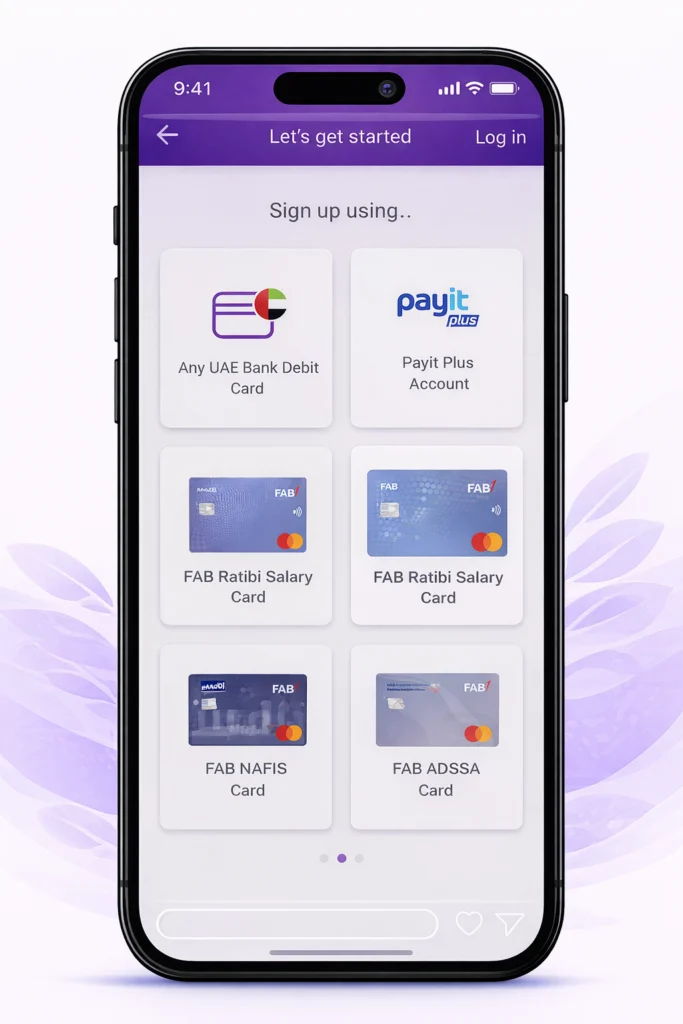
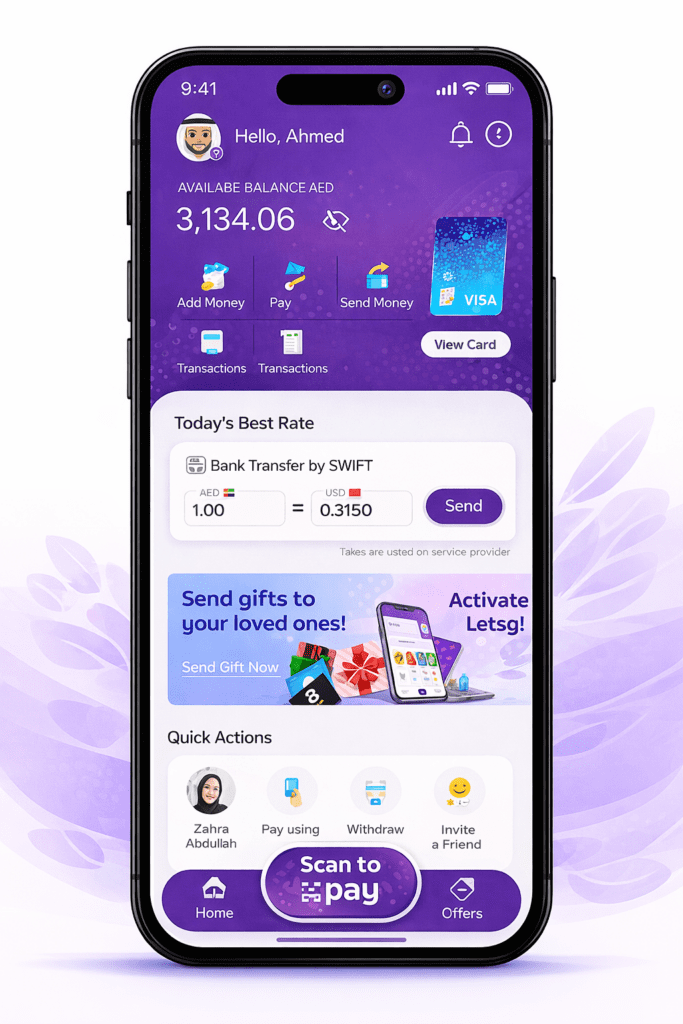
Step-by-step: Check balance on Payit
Method 7: FAB Prepaid Card Balance Check
Ratibi official context
FAB’s official Ratibi page specifically includes a balance-check section for existing cardholders.
Option A: Ratibi / Prepaid Portal (PPC Magnati)
The official prepaid inquiry portal is hosted on PPC Magnati, and the page explicitly shows required inputs:
Step-by-step: FAB prepaid card balance inquiry (PPC)
This is one of the cleanest solutions for checking a Ratibi card balance when you don’t want to log into full banking.
Option B: Ratibi Balance Check via Payit
As above, FAB states Payit can show Ratibi balance in real time after linking FAB account.
Option C: ATM for Ratibi/prepaid
Most prepaid payroll cards can be checked at ATMs, but availability depends on card configuration.
Option D: SMS (may work for some prepaid setups)
SMS banking may work for certain prepaid/Ratibi cards depending on issuance and registration (not guaranteed for every program).
Branch Visit (When It’s Actually Necessary)
Branch visits make sense if you need to:
FAB’s support pages link to branch/ATM finding and contact options.
Why Checking Your FAB Balance Regularly Matters
Better budgeting
You avoid overspending and plan bill payments accurately.
Faster fraud detection
If something looks off, FAB’s fraud/security guidance advises contacting the call center (numbers listed on their security/support pages).
Salary confirmation
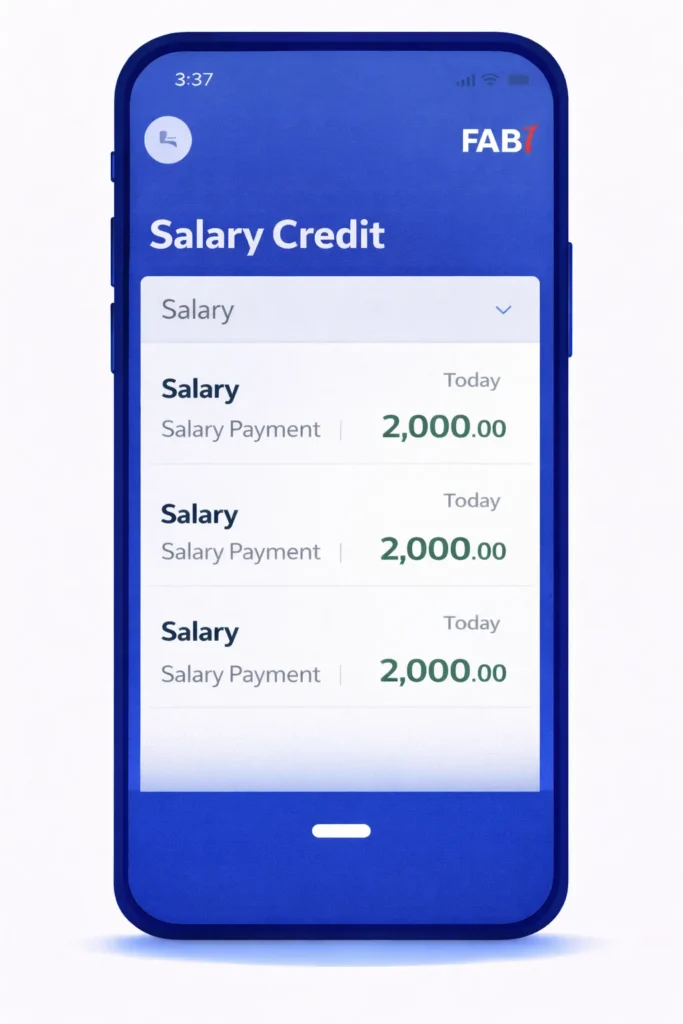
For payroll users, checking the latest transactions is just as important as the balance, because salary credits may appear with detailed narration.
Common Problems & Fixes (Real Customer Scenarios)
“My balance is lower than expected”
Often caused by:
Fix:
“I didn’t receive OTP”
Could be:
Fix:
“SMS to 2121 didn’t reply”
Could be:
Fix:
“Ratibi portal asks for Card ID, where do I find it?”
Ratibi Card ID is typically provided with card documentation. If missing, contact Ratibi support (FAB lists Ratibi support numbers on Contact & Support).
Frequently Asked Questions

Omar Suleman
A UAE banking & digital payments researcher (8+ years)
Hi, Omar is here, your banking and digital payments guide. I’m analyzing how UAE banks implement mobile banking, SMS banking, prepaid payroll cards (including Ratibi), and wallet ecosystems, with a focus on customer experience, security controls, and real-world usability across FAB and other major UAE banking platforms.